
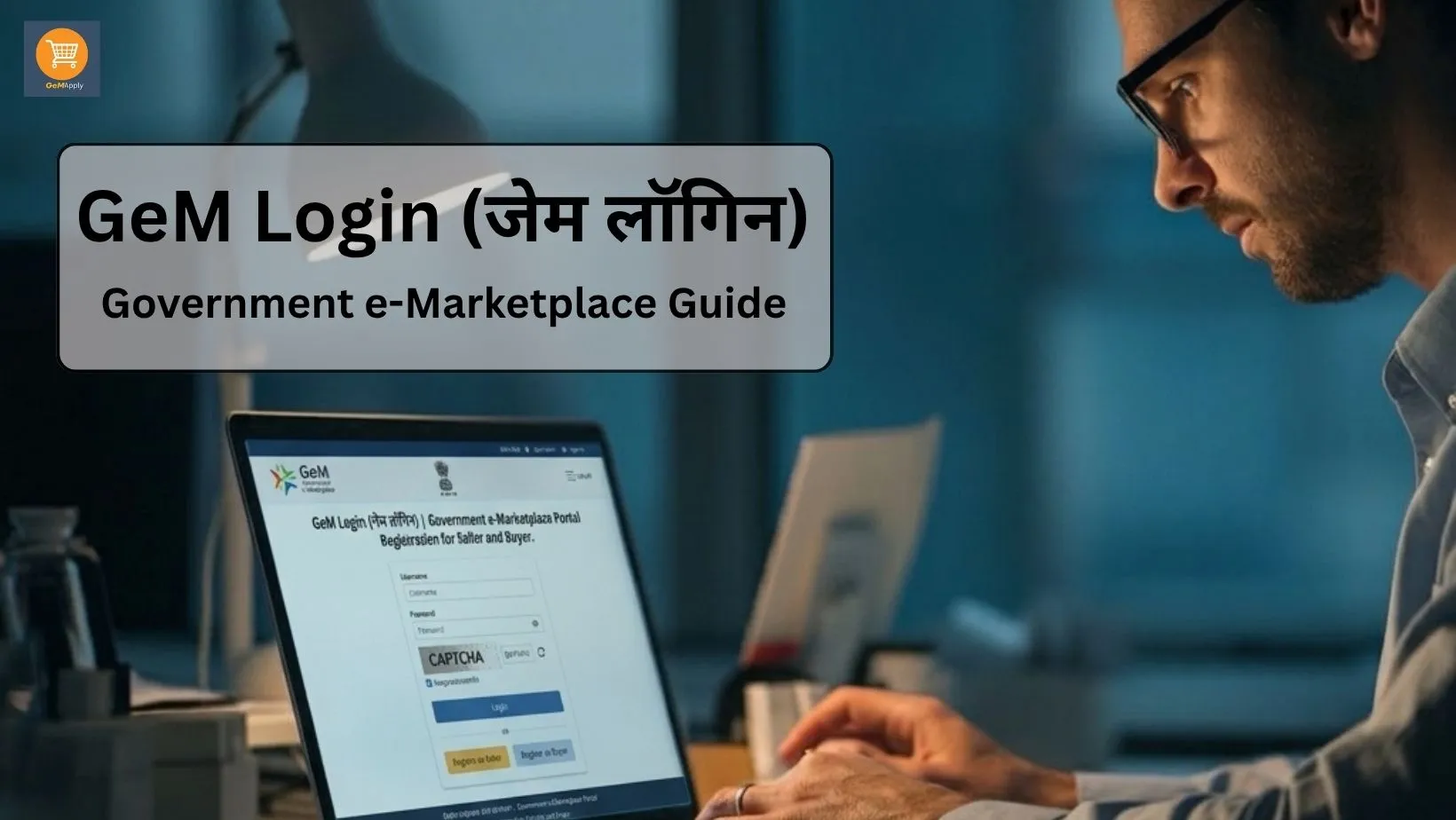
GeM Login: Complete Government e-Marketplace (GeM) Portal Guide
The Government e-Marketplace (GeM) Portal is an online platform launched by the Government of India for buying and selling goods and services. It allows government departments, ministries, public sector undertakings (PSUs), and other government organizations to purchase products and services directly from registered sellers
If you are a manufacturer, trader, service provider, startup, or MSME, creating a GeM account can help you reach government buyers across India. However, before you can start selling, you must complete the GeM registration process and learn how to use the GeM portal correctly. This guide explains the GeM Login process, registration steps, required documents, and common login issues in simple English so that anyone can understand it.
What is GeM Login?
GeM Login is the secure sign-in system that allows registered users to access their GeM account. After logging in, sellers can manage their business profile, upload products or services, participate in bids, check orders, and update account information.
Each registered seller receives a unique User ID and Password during the registration process. These credentials are required every time you access your GeM dashboard.
Why is GeM Login Important?
A GeM account is more than just a login page. It gives sellers access to important business tools that help them work with government buyers.
Some benefits of GeM Login include:- Access your seller dashboard anytime.
- Update business and bank details.
- Upload and manage product listings.
- Participate in government tenders and bids.
- Track orders and payments.
- Download important reports and documents.
- Manage your company profile securely.
Using your GeM account regularly also helps you keep your information updated and avoid account-related issues.
Who Can Register on the GeM Portal?
Many types of businesses can register on the GeM Portal if they meet the required eligibility conditions
Eligible users include:- Manufacturers
- Traders
- Service Providers
- MSMEs
- Startups
- Private Limited Companies
- Partnership Firms
- LLPs
- Proprietorship Businesses
Before starting registration, make sure your business documents are correct and up to date.
Things to Keep Ready Before GeM Registration
Before starting your GeM registration, keep the following details and documents ready. This can help make the registration process smoother and reduce the chances of delays.
- Aadhaar Card – The Aadhaar card of the primary user with an active mobile number linked for OTP verification.
- PAN Card – PAN of the business or the authorized person, as applicable.
- Business Details – Business name, type, and registered address.
- Active Email ID – A valid email address to receive account-related notifications.
- Mobile Number – An active mobile number for verification and communication.
- Bank Account Details – Business bank account number along with the IFSC code.
- GST Details – GSTIN, if applicable to your business category.
- Udyam Registration – MSMEs can keep their Udyam Registration details ready, if available.
Tip: Before submitting your application, ensure that all the information matches your official business documents to help avoid verification delays.
How to Complete GeM Registration
Creating a GeM account is simple if you follow each step carefully.
Open the official GeM Portal and choose the Seller Registration option.
Choose the correct business category such as Proprietorship, Partnership, LLP, or Private Limited Company
Enter the Aadhaar details of the primary user and complete OTP verification.
Verify your email address to receive important account notifications.
Create a secure User ID and a strong password for future GeM Login.
Fill in business information carefully and upload the required documents.
Always check every detail before submitting the application because incorrect information can delay verification.
How to Login to the GeM Portal
After your account is created, you can log in using your registered credentials.
Follow these steps:
Common GeM Login Problems
Sometimes users face login issues. Most problems can be solved easily.
- Forgot Password: Use the "Forgot Password" option to reset your password through OTP or email verification.
- Forgot User ID: If you cannot remember your User ID, use the recovery option available on the login page.
- OTP Not Received: Check your mobile network and ensure your registered mobile number is active.
- Incorrect Login Details: Make sure your User ID and password are entered correctly without extra spaces.
- Account Verification Pending: If your registration is still under verification, some features may not be available until approval is complete.
Tips for Safe GeM Login
Keeping your account secure is important.
Follow these simple tips:- Use a strong password.
- Never share your login details with anyone.
- Update your password regularly.
- Always log out after using a public computer.
- Keep your registered mobile number and email active.
- Update business information whenever required.
These small steps help protect your account from unauthorized access.
Note: Need help to forget GeM Registration? Read our complete Forgot GeM User ID Guide.
Why Keeping Your GeM Profile Updated Matters
After registration, your work does not end. You should regularly update your business profile whenever there is a change in your address, bank account, GST details, or business information.
An updated profile improves account credibility and helps avoid delays during document verification or government procurement processes.
Why Regular Login is Helpful
Many users create an account but do not log in for a long time. Regularly accessing your account allows you to stay informed about new opportunities, important notifications, profile updates, and changes to the platform.
Checking your dashboard from time to time also helps you identify any pending tasks that may require your attention.
Need Help with GeM Login?
Some users may find the login process confusing, especially if they are using the portal for the first time. Technical issues, document verification, or account-related questions can also create difficulties.
If you need assistance, make sure you seek help from a trusted and experienced service provider or refer to the official GeM support resources. Always avoid sharing sensitive login credentials with unknown individuals.
Conclusion
The GeM Login portal is an important gateway for businesses that want to work with government buyers. By completing your registration correctly and keeping your account information up to date, you can access various opportunities on the Government e-Marketplace.
Before submitting any information, always verify your business details and documents carefully. Accurate information helps make the registration and verification process smoother.
Frequently Asked Questions
GeM Login allows registered users to securely access their GeM Portal account.
Manufacturers, traders, service providers, MSMEs, startups, and eligible businesses can register.
Yes, account registration is generally free. Some services may have applicable charges.
Aadhaar, PAN, bank details, email ID, mobile number, GST (if applicable), and Udyam Registration.
Enter your User ID, Password, and complete the verification on the GeM Login page.
Use the Forgot Password option to reset it through OTP verification.
Yes, in eligible cases as per the latest GeM guidelines.
It may be due to incorrect login details, pending verification, or technical issues.